
UGC for Meta ads: how to make videos that sell
The format, hook, captions and tests that make a UGC video sell on Facebook and Instagram, and how to read cost per purchase and ROAS.
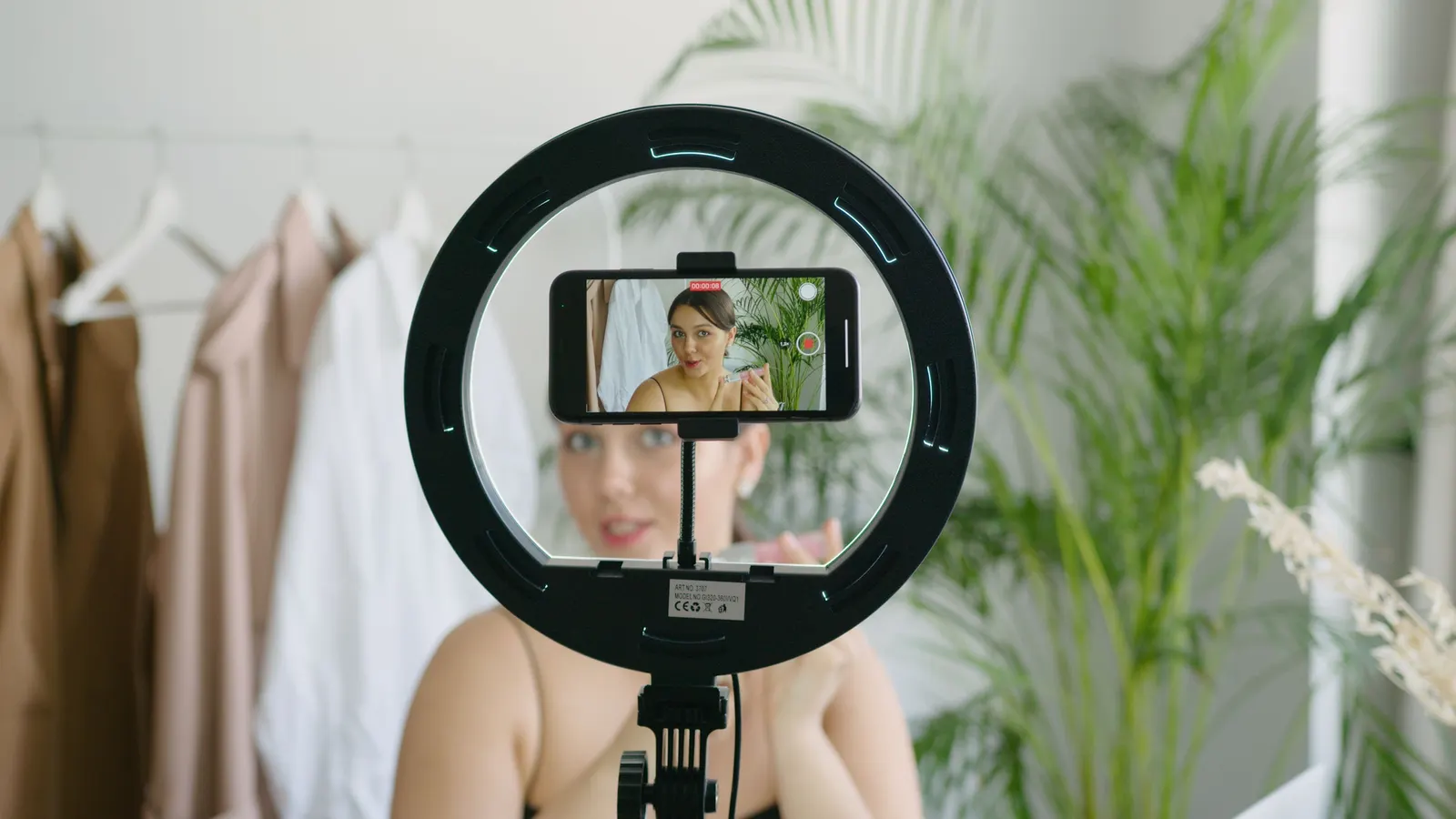
If you're going to run UGC videos in Facebook and Instagram ads, nearly everything that decides whether they sell is settled before anyone presses record. What counts is the format, the opening, the captions and the number of versions you have to test. I've been filming for brands since 2024 and I run UGC campaigns with a network of Portuguese creators, so here's what Meta asks for on its official pages, along with the numbers from a Carlega campaign run with videos I filmed.
Film vertically, for the full screen
In a Meta video ad there are three places to keep in mind: Reels, Stories and the feed. For Reels and Stories, Meta's ads guide recommends 9:16 video, which fills the whole phone screen, and for the Facebook feed it gives 4:5, which is slightly shorter. So ask for videos in 9:16 with the face and the product in the centre of the frame, and the same video will work in all three places without a 4:5 crop leaving out anything important.
It's also worth knowing the safe zone before anyone films. In Reels, the account name, the ad text and the buttons sit on top of the video, and Meta advises keeping at least 14% of the top, 35% of the bottom and 6% of each side free of text and key elements. In Meta's own tests, Reels ads using 9:16 video, with sound and with the essentials inside the safe zone, had a 34.5% lower cost per result than image ads.
The first three seconds decide who stays
Nobody chose to watch your video when it's an ad, and someone scrolling through Reels decides very quickly whether to stay. Meta puts this as a rule: videos should grab attention and show the main message or the brand within the first three seconds. That opening is what we call the hook, and it's the part of the script I spend the most time on, because a good video with a weak start loses people before it reaches the part that would have convinced them.
In practice, the hook opens with the viewer's problem or with the result, and leaves the introductions for later. A line like “my skin used to feel tight every morning until I changed this” holds people far better than “hi, today I'm going to tell you about a cream”, because it leaves a question hanging that only the rest of the video answers. The product should be in the creator's hand right from the start, so that anyone who leaves at five seconds has already seen what you're selling.
Captions for people watching on mute
Sound is on by default in Reels, but some people watch ads in a public place, where they can't turn the sound on. Meta sums up the idea like this: a video ad should make sense without sound and get better with it. That's why its ads guide recommends captions in Reels, Stories and the feed, and you can write them onto the image when editing or upload them as an SRT file, as well as using Meta's automatic captions.
If the captions are written onto the image, put the key line in large type and above the bottom 35%, so it isn't covered by the ad text. With sound on, the creator's voice and the sound of the product being used do the rest. If you want music, pick it from Meta's Sound Collection, because the guide asks you not to use licensed music in Reels ads.
Film several hooks and let the numbers choose
However good the script, nobody knows in advance which opening will work with your audience, and neither do I. That's why it makes sense to film the same video with three or four hooks, because the rest stays the same and each extra opening takes little filming time. Then you put the versions up against each other in Ads Manager with an A/B test, which splits the audience into random groups, shows one version to each group and tells you which one got the better results.
For the test to tell you anything, follow the rules Meta itself gives:
- Change one thing at a time. If the versions have different hooks, the rest of the video, the text and the audience stay the same, otherwise you won't know what made the difference.
- Compare up to five versions in the same test, which is the most the tool takes.
- Let the test run for at least two weeks and wait for the final results before picking the winner.
- Once a hook wins, keep it and test something else next, such as the video's length or its sound.
Partnership ads: the video under the creator's name
A UGC video can run under your brand's name alone or with the creator's name next to yours, and that second option is what Meta calls partnership ads. The ad runs from her profile, shows both accounts and carries the “Ad” label, so whoever sees it knows it's advertising. According to Meta, adding partnership ads to usual campaigns delivered, on average, a 13% higher click-through rate and a 19% lower cost per acquisition, which is what you pay for each customer.
For this to happen, the creator has to give you permission. The simplest way is for her to create a partnership ad code on Instagram and send it to your brand, which uses it to create the ad from her post. Before you ask for the code, agree in writing how long the ad can run under her name and what that costs, because it's her face and her profile that stay live.
How to tell whether a video is selling
Views and likes say little about an ad that exists to sell, so the two numbers I look at first are cost per purchase and ROAS. Cost per purchase is what you spent on ads divided by the number of purchases they brought in, in other words what you pay on average for each sale. ROAS, short for return on ad spend, is the value of the purchases divided by what you spent, and you read it as the euros that come back in sales for every euro put into ads.
In the Carlega campaign, for a brand that sells car products, the ads ran on Meta with videos I filmed and brought in 469 purchases, at a cost of €5.79 per purchase. ROAS came to 6.43, which means that for every euro spent on ads, €6.43 came back in sales. The Ads Manager screenshot with these numbers is in my portfolio, and it's numbers like these that tell you whether a video deserves more budget.
The ROAS that works for you depends on your margin, because a brand that makes little on each sale needs a higher return than one that makes a lot. It's worth knowing that figure before the campaign starts. Then compare the videos with each other, within the same campaign and over the same period, because that's where you see which hook brings in cheaper purchases and where the budget should go.
In the UGC campaigns I run, I bring together the right creators for each product from a network of more than 100 Portuguese creators I've chosen one by one, write the scripts and briefs, follow the shoots and deliver the videos ready to publish in about five working days. Three months of paid ad usage come included, as do unlimited changes within the approved concept. Tell me what you sell and I'll reply within 24 hours.
Sources
- Meta Ads Guide: Instagram Reels video specs (October 2026)
- Meta Ads Guide: Instagram Stories video specs (October 2026)
- Meta Ads Guide: Facebook Feed video specs (October 2026)
- Meta for Business: Reels ads (October 2026)
- Meta for Business: tailored campaigns and the three-second rule (October 2026)
- Meta for Business: better video ads for mobile, sound and captions (October 2026)
- Meta for Business: A/B testing ads (October 2026)
- Meta for Business: A/B testing best practices (October 2026)
- Meta for Creators: partnership ads (October 2026)
- Meta for Developers: partnership ads showing both accounts (October 2026)
- Meta, partnership ads with creators (11 December 2025)
- Instagram Help Center: create a partnership ad code (October 2026)
- Meta Business Help Center: cost per result (October 2026)
- Meta Business Help Center: purchases ROAS (October 2026)
- Carlega campaign results on Meta Ads, in Lara's portfolio
Putting UGC videos into your ads?
See how I'd set up a campaign with you